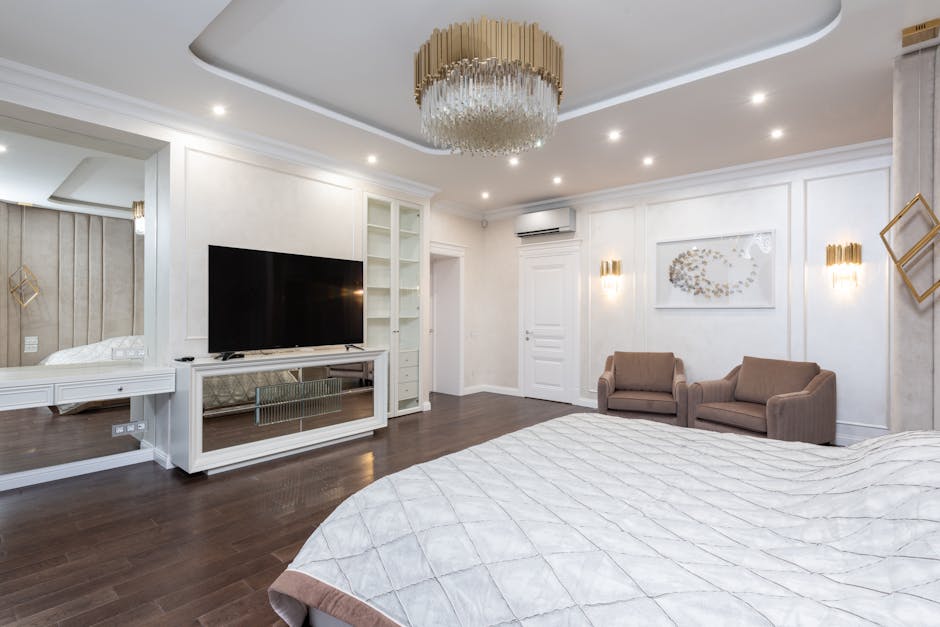
Best type of TV for a bedroom
Our take: Start with the viewing distance, available space and budget. A 42-inch OLED such as the LG C6 is a premium option for dark-room movies and gaming; Sony’s 43-inch BRAVIA 3 II is an LED option to compare if you prefer Google TV. Prices, availability and performance vary by model and size.
This is a specification-based buying guide, not a new hands-on test of these TVs.
Bedroom TV options to compare
| Model | Why consider it | Tradeoff |
|---|---|---|
| LG 42-inch OLED C6 | 2026 4K OLED; self-lit pixels and a compact size for movies or gaming. | Premium price; check reflection handling, brightness and warranty. |
| Sony 43-inch BRAVIA 3 II | 2026 4K LED with Google TV. | Compare its screen, gaming features and price with other LED models. |
| Smaller 32-inch LED TV | Can fit a tighter room or shorter viewing distance. | Resolution and smart platform vary widely; check the exact model. |
Check a retailer’s current return policy and the model number, not just the series name. Previous generations can be good value on sale, but stock and software support vary.
What size TV fits a bedroom?
Measure from your usual viewing position to the screen and check the available wall or dresser width. Screen size is measured diagonally, so a 43-inch TV is not 43 inches wide. Compare the manufacturer’s dimensions with and without its stand. Personal preference and screen resolution affect how large a screen feels.
If the TV will be wall-mounted, check the mount’s size and weight rating, wall construction and mounting pattern. Allow space for cables, ventilation and the viewing angle from bed.
OLED, LED and gaming features
OLED screens can show deep blacks because their pixels emit light individually; their brightness and reflection handling still vary by model. LED/LCD TVs use a backlight and range from basic sets to very bright premium models. “QLED” describes a quantum-dot LCD technology, not a guarantee of brightness or picture quality.
For gaming, check the specific size’s native refresh rate, HDMI inputs, variable refresh rate and console compatibility. A 60 Hz screen can work well for casual viewing and gaming; higher refresh rates matter to some players. HDR support alone does not establish how impressive HDR will look.
Set it up for comfortable viewing
- Check that your streaming services are available on the TV or a connected streaming device.
- Consider headphone or Bluetooth support if a partner sleeps while you watch; verify the exact connection options.
- Use a secure mount or stable furniture and route cables safely, especially around children. Our bedroom organization guide has more ideas for keeping walkways and essentials accessible.
- Adjust brightness for the room and use a sleep timer if you prefer not to leave the TV on overnight.
Upscaling can improve how lower-resolution material is displayed, but it cannot recreate every detail of a native 4K source. Your streaming plan, source resolution and connection also affect picture quality.
Frequently asked questions
Is OLED always brighter than LED?
No. Brightness varies by model, and some LED/LCD TVs are brighter than some OLED models.
Is 4K necessary in a small bedroom?
Not always. Viewing distance, screen size, source quality and budget all matter.
Do I need a smart TV?
A streaming device can add apps to a compatible display. Check the apps and inputs you need.
Should I choose a 120 Hz TV?
It can benefit compatible gaming, but many viewers are satisfied with 60 Hz. Verify the exact model and size.